Automation guides assume three things: that you invoice with the standard national VAT, that a shipment within Spain has no customs, and that everyone works in the same timezone. In the Canary Islands none of the three holds — and that isn't a detail, it's where workflows copied from a template fall over.
This is what I look at differently when the process is here.
1. Invoices don't carry VAT, they carry IGIC — and sometimes neither
An automated invoicing workflow that assumes a single tax rate works until the first customer from outside shows up. One always does.
A Canarian company can have, in the same month, invoices with whichever IGIC rate matches its product, invoices to the mainland where the tax isn't charged the same way, and invoices outside the EU with no tax at all. Three different rules in one workflow.
What needs automating isn't "apply the tax": it's deciding which one applies, based on where the customer is and what they're buying. That decision has to live somewhere editable, because rates change and the workflow shouldn't be rewritten every time they do.
One practical note: that logic gets defined with your accountant, not your developer. I implement it; who decides which rate applies to which case isn't me.
2. Every shipment crossing the sea generates paperwork
A shipment between Tenerife and mainland Spain is an export one way and an import the other. That means customs documentation, a clearance step that takes time, and a handling cost somebody absorbs.
In process terms: what on the mainland is "order → warehouse → carrier → delivered" has two more states here that nobody remembers to model. And they're exactly the states where an order sits still while the customer calls to ask.
Automating here means customs clearance is a real state in your system, with an owner and an automatic notification to the customer when it changes.
That's the difference between the customer finding out by themselves and your salesperson losing half a morning chasing it.
3. The clock runs an hour behind, and that breaks notifications
The Canary Islands run on GMT+0 in winter and GMT+1 in summer: one hour behind mainland Spain.
That sounds like trivia until a workflow scheduled for 08:00 starts sending the daily summary at 09:00 mainland time and the salesperson in Madrid gets it after they've already started calling. Or until a "30 days" due-date reminder fires a day either side of what accounting expects.
The rule is simple and almost nobody applies it: every workflow has to state its timezone rather than inherit it from the server. Power Automate, n8n and practically every tool allow it; what's missing is remembering.
And if you work with clients in the Americas — common here — that hour of difference becomes an advantage: you overlap half a working day with the US east coast without starting early.
4. Between islands, distance isn't measured in kilometres
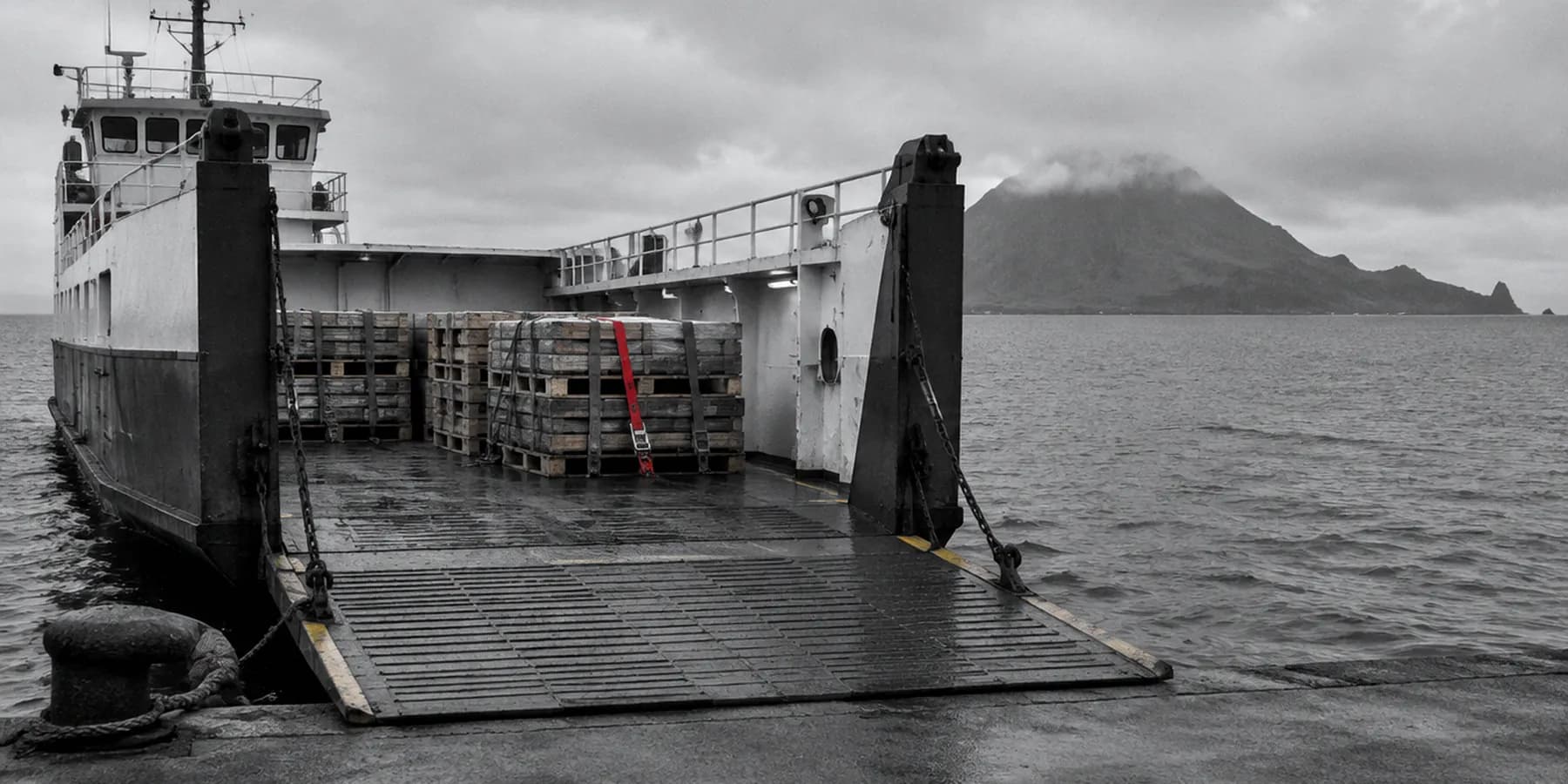
A technician going from La Laguna to Santa Cruz loses half an hour. The same technician going to La Gomera loses a day, and it depends on the ferry.
Any workflow that assigns work, books appointments or calculates delivery times has to treat the island as a field, not as part of the address. If the island is buried inside a free-text address, you can't filter, you can't group routes and you can't compute different lead times.
Pulling it out into its own field costs ten minutes at build time and is impossible to fix properly two years later with a thousand records inside.
What doesn't change
The method. Map the real process before touching anything, test in an isolated environment, document with identifiers, and leave a written rollback plan. That's the same here as in Madrid.
What changes is the four things above — and they're enough to break a workflow copied from a tutorial in its first month.
If you have a process that keeps breaking and you suspect one of these is involved, tell me about it. How I work here is in automation in the Canary Islands, and if you sell online from the islands, that has its own piece.